
Anime Champions X Codes Not Working: How to Fix & Redeem
Fix Anime Champions X codes not working: finish the opening tutorial first, then redeem RELEASE via Store > Featured > Codes on Roblox.
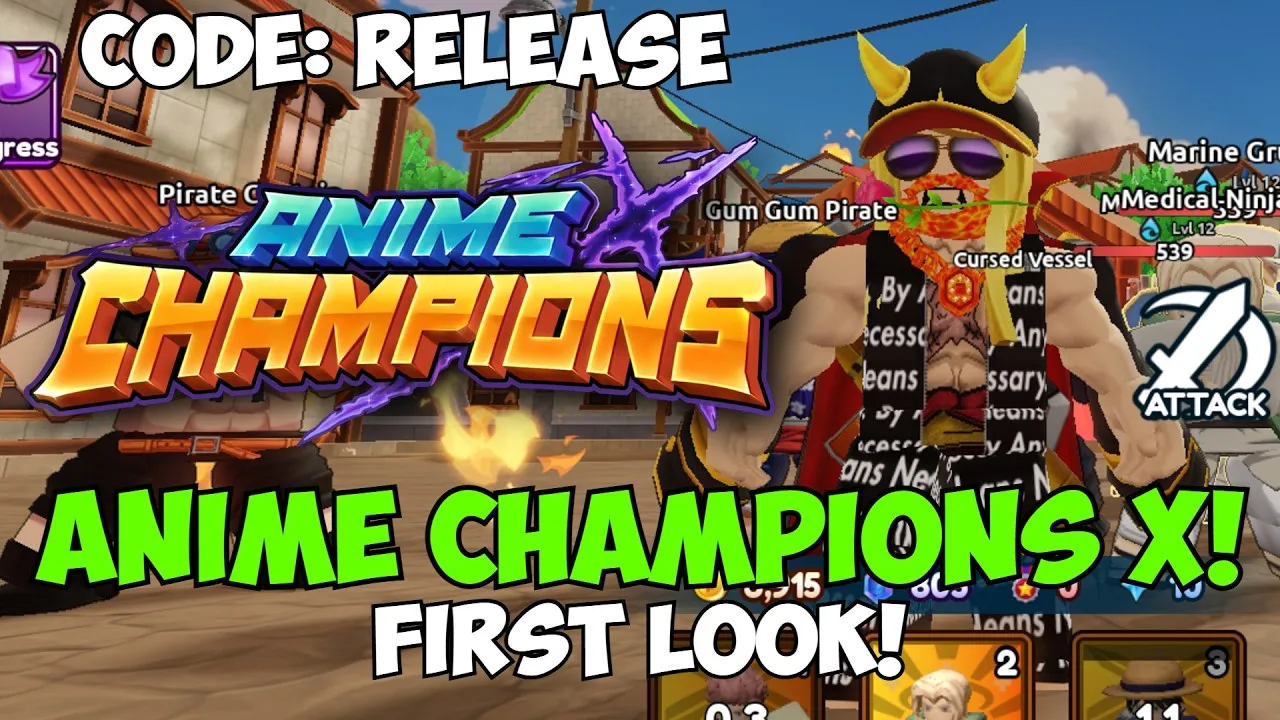
If Anime Champions X codes are not working on your account, the issue almost always comes down to two things: trying to claim RELEASE before finishing the opening tutorial, or checking the wrong menu instead of Store -> Featured -> Codes. Launched globally in Version 1.0 on November 26, 2026 via the official Anime Champions X Roblox page, developer daireb’s anime RPG gates promo redemptions behind your initial onboarding tasks in Champion City.
Why Codes Fail in Anime Champions X
Following the November 26, 2026 launch, players spawning into Champion City often tried entering RELEASE right away, only to find redemptions blocked or missing. Completing the brief opening tutorial unlocks standard progression menus and activates code claims. Many players also check Settings or their unit inventory out of habit from other Roblox games, overlooking the input field tucked inside the shop menu.
Another common mistake is pasting expired codes from daireb’s earlier 2023 Roblox game or similarly named anime titles. Because ACX is a standalone 2026 release built around Traits and launch worlds like Champion City, Pirate Town, and Curse City, codes from older games will never validate here. Bonus items such as the nostalgic UI pack from speaking to the in-world daireb NPC or loot from hidden chests also bypass promo codes entirely; check our missing secret rewards guide if those bonuses have not shown up.
| Issue | Cause | Fix |
|---|---|---|
RELEASE fails on a fresh save |
Opening tutorial is incomplete | Finish the introductory tutorial tasks in Champion City first |
| Cannot find the code input box | Checking Settings or Inventory menus | Open Store, select Featured, and locate Codes |
| Code rejected after the tutorial | Typo, extra space, or wrong game’s code | Enter RELEASE in exact uppercase with no trailing spaces |
| Missing nostalgic UI pack or chest items | Claimed in-world instead of via Store codes | Talk to the daireb NPC or open hidden chests directly |

[CODE] Anime Champions X is PEAK! (First Look)
How to Redeem Anime Champions X Codes
Once you clear the introductory objectives, use this exact menu path if you are wondering how to redeem codes in Anime Champions X without errors:
- Launch the experience on Roblox (game ID
78266264678775) and finish the opening tutorial in Champion City. - Click the Store button on your main HUD.
- Open the Featured tab inside the Store window and scroll to the Codes section.
- Type an active code such as
RELEASEin exact uppercase, delete any extra spaces, and submit it.
While browsing the Store tab, read our breakdown of how vouchers work before spending early currency or passes. Players pushing past Champion City into Pirate Town and Curse City can also speed up combat clears without relying on promo drops by unlocking free auto attack.
Where to Check Working Codes and Free Gem Alternatives
As of 2026-11-27, RELEASE is the confirmed 1.0 launch code, while new milestone or patch codes are shared directly through official developer channels rather than an in-game board. Avoid unverified lists recycled from older games and check daireb on X along with the official Anime Champions X Roblox community. You can also track announcements using our Anime Champions X Discord guide and official Trello reference.
If you already redeemed RELEASE and still need starter currency, several non-code sources pay out right away. As shown in Blam’s Fighters’ secret chest walkthrough, seven hidden chests placed around spawn, the secret hideout to the left of spawn, nearby hills, and behind the castle grant starter trade tokens and gems—including one chest worth 500 gems. Remaining in the AFK area for a full 30-minute timer awards payouts too; see our best ways to farm gems guide for repeatable methods.
FAQ
Why won’t the RELEASE code work when I first join?
Code redemption stays locked until you complete the opening tutorial. Finish your initial onboarding tasks in Champion City, then reopen the Store menu and submit RELEASE in uppercase without extra spaces.
Where is the Codes button located in Anime Champions X?
There is no dedicated Codes icon on the main HUD or inside Settings. Open Store, switch to the Featured tab, and enter your code inside the Codes section there.
Do codes from older anime games or secret chests work in Store -> Featured -> Codes?
No. Codes from daireb’s 2023 release or other Roblox anime titles do not carry over to ACX, and rewards like the seven secret chests or the nostalgic UI pack from the daireb NPC must be claimed directly in the world.
Related guides: Active Launch Codes
Related Articles
codes
Anime Champions X Codes (Nov 2026) — Active Launch Rewards
Verified active Anime Champions X codes on Roblox for Nov 2026: claim RELEASE for 1,000 Gems and 2 Vouchers, plus exact Store redemption steps.
community
Is There an Official Anime Champions X Trello Link?
No official Anime Champions X Trello exists as of November 2026. Avoid outdated 2023 boards and find verified ACX channels from daireb here.
community
Anime Champions X Official Discord Link & Safe Join Guide
Join daireb's official Anime Champions X Discord (discord.gg/animechampionsx) for 1.0 codes, patch notes, raid LFG, and verified Roblox links.
Was this helpful?
Thanks for the feedback!